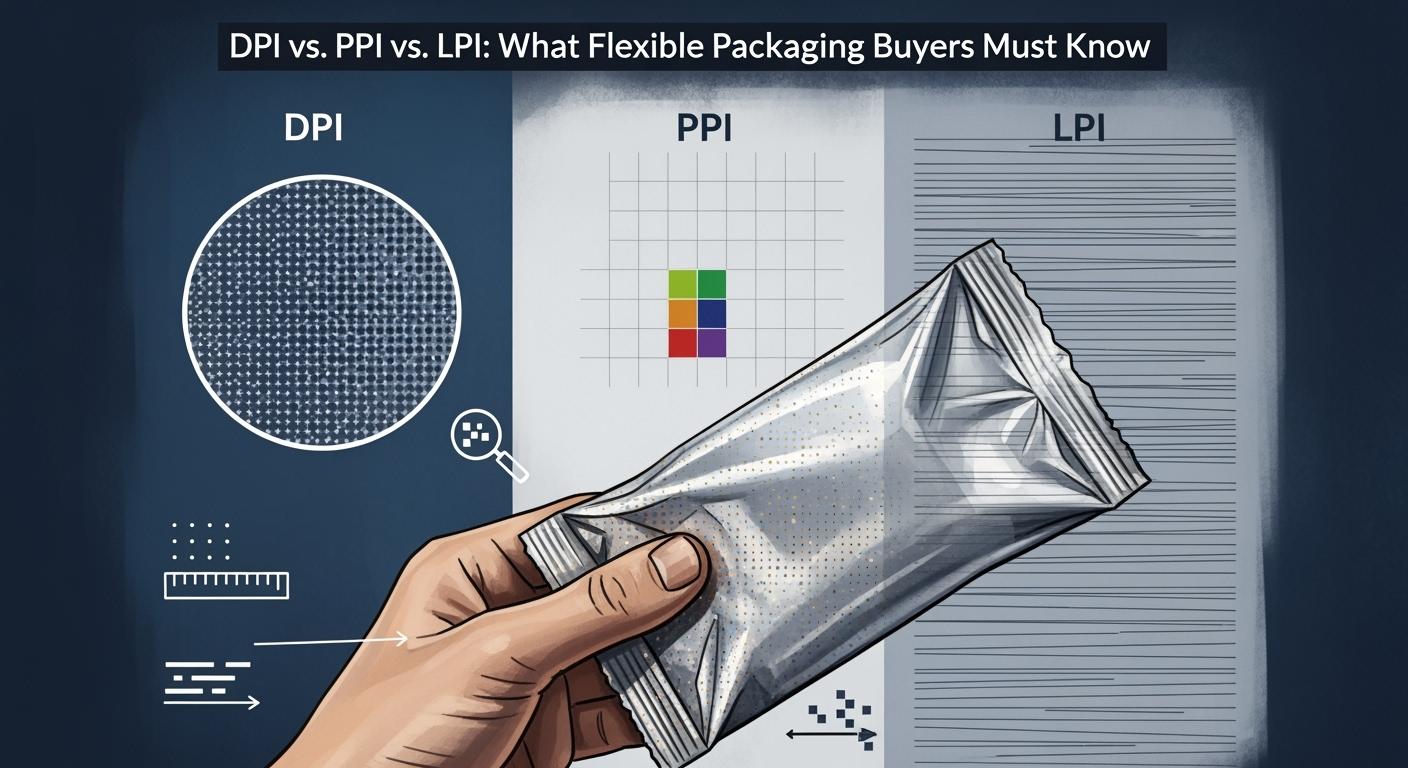
You might see your design look clear on your computer, but the printed pouch can look blurry or faded. This happens if you do not choose the right settings for DPI vs. PPI vs. LPI. If you mix up these terms, your flexible packaging can lose details, look less bright, or not meet your brand’s quality. For BN PACK’s Liquid Spout Pouches, sharp pictures and bright colors make your product stand out. Knowing the difference helps you avoid mistakes and get great results.
dpi vs. ppi vs. lpi: Key Terms for Flexible Packaging
What Is dpi (dots per inch)?
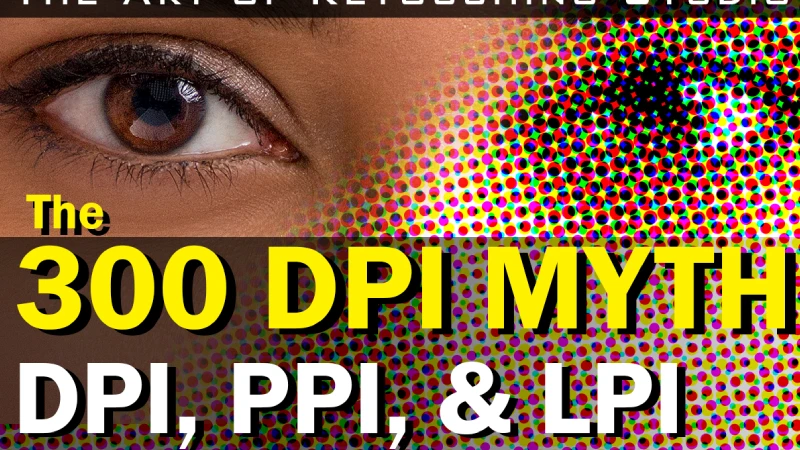
You see the term dpi when you talk about printing. Dpi stands for dots per inch. This tells you how many tiny dots a printer puts in one inch of your packaging. If you choose a higher dpi, your images look sharper and show more detail. This is very important for flexible packaging because you want your product to look bright and clear.
Dpi measures the printing resolution. It shows how many dots fit in a straight line, one inch long.
A higher dpi means your design will have more detail and look more professional.
Dpi helps your packaging match your design ideas.
Here is a table that shows common dpi values for flexible packaging printing:
DPI Value | Application Context |
|---|---|
2400-2450 | Old standard, adequate for some applications |
4000-4800 | Proprietary workflows, limited versatility |
5080 | High-quality digital flexographic plates, crisp detail |
If you want your BN PACK Liquid Spout Pouches to stand out, you need to pick the right dpi. This makes sure your logo, colors, and images look their best.
What Is ppi?
Ppi stands for pixels per inch. You use this term when you work with images on a computer. Ppi tells you how many tiny squares, or pixels, fit in one inch of your digital image. If you use a higher ppi, your image looks smooth and clear on the screen.
Ppi is important for digital design. It shows how sharp your image will look before you print it.
A high ppi means your image has more pixels packed together. This gives you better quality and more detail.
If you use a low ppi, your image can look blocky or blurry when printed.
Most packaging designers use 300 ppi for their artwork. This setting gives you a good balance between file size and image quality. When you design for BN PACK Liquid Spout Pouches, always check your ppi before sending your files to print.
What Is lpi?
Lpi stands for lines per inch. You see this term in the printing process. Lpi measures how many rows of dots fit in one inch when the printer makes your image. This tells you how fine or detailed your printed image will be.
Lpi (lines per inch) measures the fineness of the screen and the level of detail that can be preserved in the printing process. It is determined by how densely packed the dots are and is described by the number of rows or lines of dots used per inch to create the image.
Different printing methods use different lpi values. Here is a table that shows common lpi ranges:
Print Method | Common LPI Range | Application |
|---|---|---|
Flexographic Printing | 85 to 175 | High-quality packaging for finer details |
Newspaper Printing | Lower LPI | Standard print quality |
If you want your BN PACK Liquid Spout Pouches to show fine details, you need to know the right lpi for your printing method.
Why These Terms Matter for BN PACK Liquid Spout Pouches
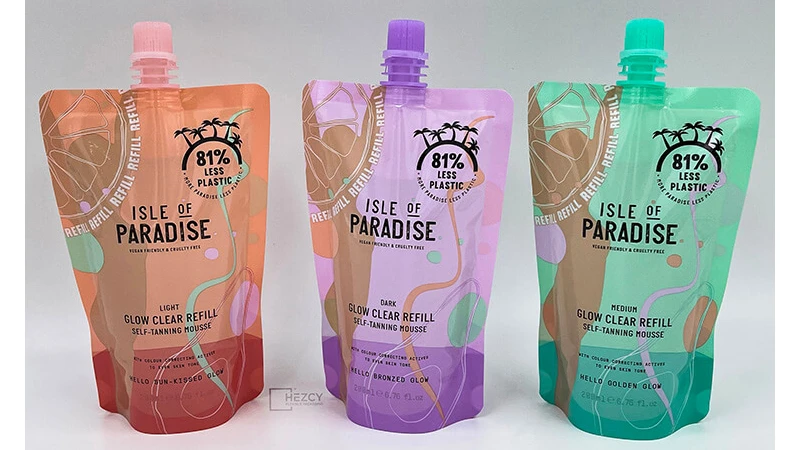
You want your flexible packaging to look sharp and professional. The terms dpi vs. ppi vs. lpi help you get there. If you mix them up, your design may look good on your computer but turn out blurry or dull when printed.
Dpi controls how sharp your printed pouch will look.
Ppi affects how clear your design is before you print.
Lpi decides how much detail the printer can show.
When you work with BN PACK, you get help choosing the right settings for your Liquid Spout Pouches. You make sure your colors pop, your text is easy to read, and your brand stands out on the shelf. If you understand dpi vs. ppi vs. lpi, you can talk with your designer and printer and get the best results for your packaging.
dpi vs. ppi vs. lpi: Differences and Print Quality Impact
How dpi, ppi, and lpi Affect Packaging Print Quality
You want your packaging to look sharp and professional. To get there, you need to understand how dpi, ppi, and lpi work together in the printing process. Each one plays a different role in creating high-quality visual results for your BN PACK Liquid Spout Pouches.
dpi (dots per inch) shows how many ink dots a printer places in one inch. This number tells you how much detail your prints can show.
ppi (pixels per inch) measures the pixel density in your digital image. Higher ppi means your original image resolution is better, so your design looks clear before printing.
lpi (lines per inch) relates to the halftone screening process. It tells you how many rows of dots fit in one inch during printing. Higher lpi means more detail in the printed image.
When you prepare your artwork, you want your image resolution to be high enough. Most experts recommend 300 ppi for print images. This ensures your design has enough detail for the printing process. If you use a lower ppi, your printed designs may look blurry or pixelated.
Here is a simple table to help you see the differences:
Term | What It Measures | Where It Matters | Impact on Print Quality |
|---|---|---|---|
dpi | Dots per inch (printer output) | Printing process | Higher dpi gives sharper prints |
ppi | Pixels per inch (digital image) | Digital design | Higher ppi gives better image detail |
lpi | Lines per inch (halftone screen) | Printing process | Higher lpi gives cleaner, more detailed images |
If you want the highest quality printed image, you need to balance all three. High ppi in your design, high dpi in your printer, and the right lpi for your printing method all work together to create high quality images on your packaging.
Common Misconceptions: Screen vs. Print Clarity
Many buyers think that if an image looks clear on their screen, it will look just as good when printed. This is not always true. The recommended standard of 72 ppi works for screens, but it does not give enough detail for print.
ppi is about screen clarity. It tells you how sharp your image looks on your computer or phone.
dpi is about print clarity. It tells you how many ink dots the printer uses to make your image.
Confusing ppi and dpi can lead to poor print results. You might see a crisp image on your screen, but the printed pouch could look blurry or dull.
Designers must adjust the original image resolution for print. If you only use the screen version, you risk losing image detail in your final product. Always check your image resolution before sending files to print. Saving images in lossless formats like TIFF helps keep your quality high.
Tip: High ppi on your screen does not guarantee high-quality prints. Always match your digital image settings to your printing needs.
The Rule of 2 for Flexible Packaging Design
The Rule of 2 helps you get the best results for your packaging. This rule says your image pixels (ppi) or dots per inch (dpi) should be at least twice the lines per inch (lpi) used in the halftone screening process. This ensures your full color images look sharp and detailed.
For example, if your printer uses 150 lpi, your image should have at least 300 ppi or dpi. This keeps your prints from looking blurry or pixelated. The Rule of 2 is important for BN PACK Liquid Spout Pouches because you want every detail of your branding to stand out.
Use 300 ppi for your original image resolution.
Check your printer’s lpi setting.
Make sure your dpi or ppi is at least double the lpi.
By following the Rule of 2, you make sure your packaging has high quality images and clear text. Your product will look its best on the shelf, and your customers will notice the difference.
Note: Always talk to your printer about their lpi and dpi settings. This helps you set up your files correctly and avoid surprises in the printing process.
Best Practices for Print Resolution in Flexible Packaging
Setting dpi, ppi, and lpi Specifications
You want your flexible packaging to look great. To do this, you need to pick the right dpi, ppi, and lpi. The table below shows the best settings to use:
Type of Measurement | Recommended Value/Range |
|---|---|
DPI | Minimum 300 DPI |
PPI | 300 PPI |
LPI | 130 – 150 LPI |
Set your artwork to 300 ppi. This makes sure your pictures look sharp when printed. Pick at least 300 dpi for your prints. For lpi, choose a number from 130 to 150. This range works for most flexible packaging and gives you clear images. Always match your image settings to your printing method for the best results.
Communicating with Designers and Printers
Talking clearly helps you avoid mistakes when printing. Start by saying what you want for your project. Share your dpi, ppi, and lpi numbers with your designer and printer. Give them files that are ready to print and add bleeds to your designs. Work with your printer to learn what they need for printing color images. Use pictures or samples to show your ideas. Keep talking with your team and give feedback often. Check proofs closely before you say yes to the final prints.
Tip: If you talk early and often with your team, your prints will look better and you will have fewer problems.
BN PACK’s Approach to Print Quality for Liquid Spout Pouches
BN PACK uses new technology to make sure every Liquid Spout Pouch looks good. The team checks quality at every step. You get help picking the right dpi, ppi, and lpi for your packaging. BN PACK’s printing gives you bright colors and sharp details. The company checks every pouch so your brand stands out. When you work with BN PACK, you can ask questions like:
What dpi, ppi, and lpi should I use for my product?
How do you make sure colors look right when printing?
Can I see a sample before you print everything?
What do you do to make sure my images look good on the packaging?
You can trust BN PACK to help you and make your product look great on the shelf.
You now understand how dpi, ppi, and lpi are different. Each one is important for printing flexible packaging. The table below shows the main ideas:
Term | Definition | Key Points |
|---|---|---|
DPI | Dots Per Inch | Number of ink dots in a printed image |
PPI | Pixels Per Inch | Pixel density of a digital image (300 PPI recommended) |
LPI | Lines Per Inch | Halftone lines in an image, often half the PPI value |
Choosing the right print resolution makes your packaging look better. High-resolution prints help BN PACK Liquid Spout Pouches stand out. This also stops problems like blurry pictures. Always use simple words when talking with your team. Check your settings and ask BN PACK for help at every step.