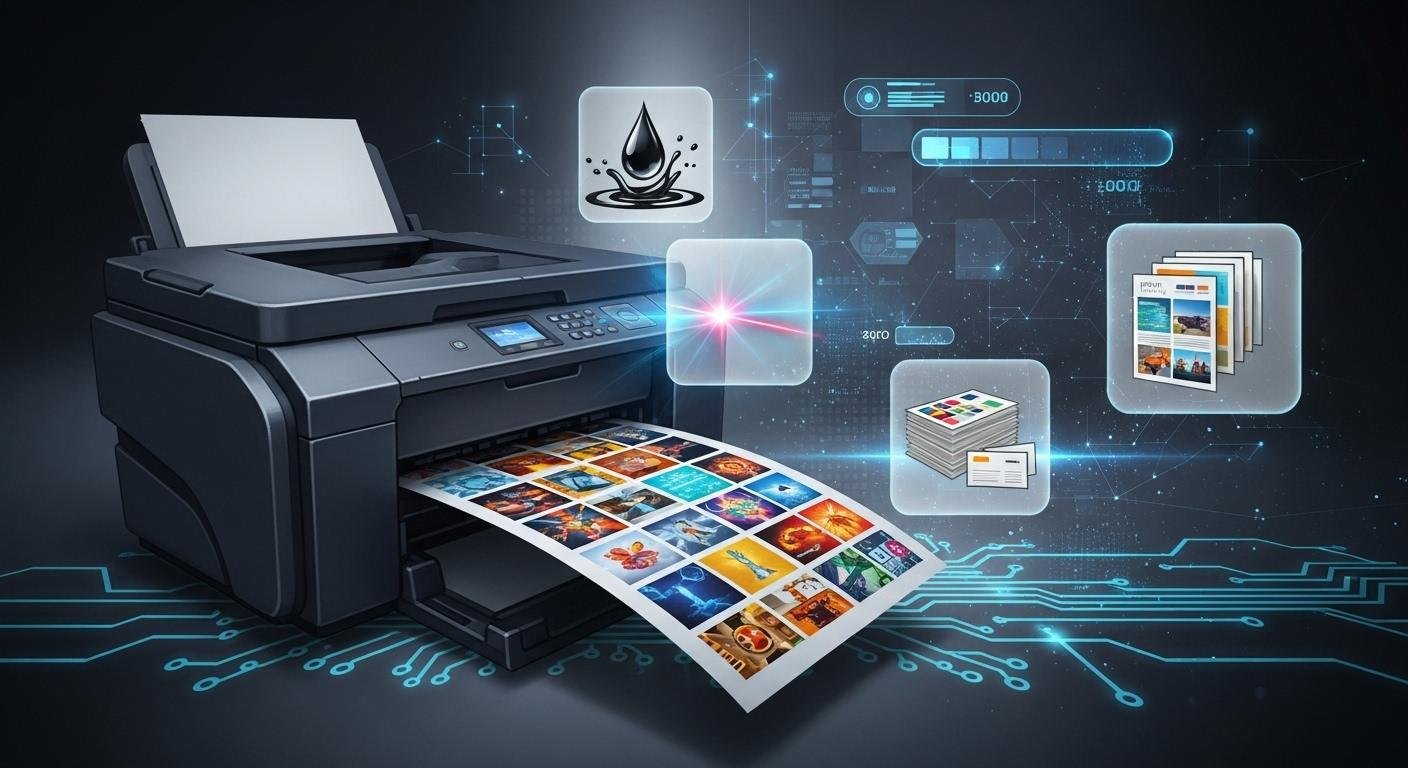
You see digital printing in many places, like custom t-shirts and flexible packaging. Digital printing uses digital files to send pictures straight to printers. It does not need the plates that traditional printing uses. This process lets people make small batches or special designs fast and accurately. The global digital printing market was over USD 38 billion in 2023. It is still growing very fast. More businesses now pick digital methods for eco-friendly reasons. They also want to respond quickly to online shopping trends. Think about how digital printing can help you give people high-quality, personalized products.
Digital Printing Overview
How Digital Printing Works
You interact with digital printing every day, even if you do not notice it. This process lets you print images or text straight from your computer to a digital printer. You do not need to make plates, which saves time and money. Digital printing technology uses a few clear steps to turn your ideas into real products.
Design and File Preparation
You start by creating your design on a computer. You can use formats like PDF or JPEG. Good color management and layout help your design look its best.File Processing and RIP
Next, you send your file to the digital printer. The printer uses special software called RIP (Raster Image Processor). This software changes your design into data the printer understands. It also lets you make quick changes or add personal touches.Direct Printing
The digital printer prints your image or text right onto the material. You can use paper, fabric, plastic, or even metal. The printer builds up layers of ink or toner to create the final look.
Digital printing stands out because you can watch the process in real time and make changes if needed. You do not need to wait for plates or long setup times. This makes digital printing perfect for small batches or custom orders.
You will find that digital printing technologies like inkjet and laser printing work fast and give you sharp results. These printers use tiny droplets of ink or fine toner powder to make your images clear and bright. Digital printing technology lets you print on demand, so you only print what you need.
Key Components
To get the best results from digital printing, you need the right tools and software. Each part of the setup plays a special role in making sure your prints look great.
Computer
You need a computer with enough memory and storage. At least 16 MB of memory and 200 MB of free disk space help you handle large image files.Scanner
A quality scanner, such as a 24-bit color scanner or one with 600 x 600 dpi, helps you bring photos or artwork into your digital files.Digital Printer
The digital printer is the heart of the process. You can choose from different types:Inkjet printers use tiny drops of ink for photos and posters.
Laser printers use a laser and toner for fast, sharp text and images.
Digital presses handle big jobs with steady quality.
Print Heads and Motion Systems
Print heads spray or place ink or toner onto your material. Motion systems move the paper or fabric smoothly through the printer.Paper Handling and Finishing Units
Advanced printers have special units to feed paper, dry ink, or add finishes like gloss or lamination. Some use UV curing lamps or drying units to set the ink fast.Software
You need software to prepare your files and control the printer. RIP software changes your design into printable data and keeps colors accurate. Some setups use cloud-based tools so you can manage printing from anywhere.
Digital printing technology does not need plates, so you can print one copy or thousands with the same setup. You can also change each print, which is great for things like personalized mail or custom labels.
Digital printing technologies give you many choices. You can use inkjet for photos, laser for documents, or digital presses for big projects. Each type of digital printer has strengths for different jobs. With the right setup, you can print on many materials and create high-quality products quickly.
Digital Printing Techniques
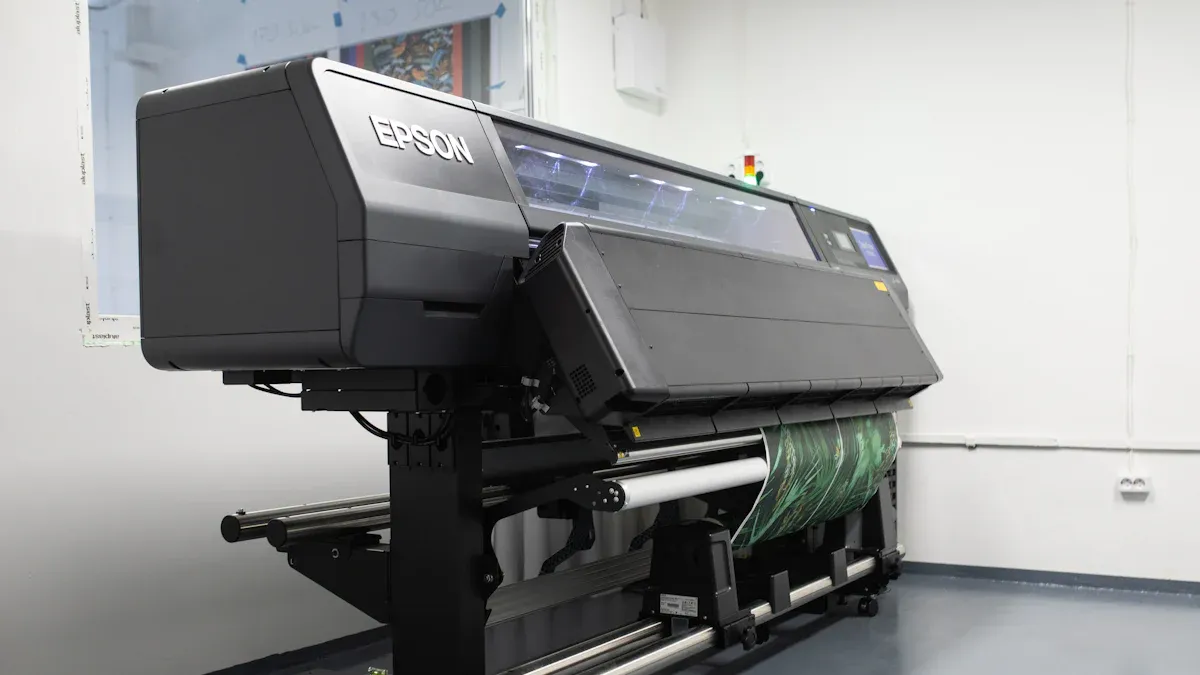
Digital printing lets you make bright, clear pictures on many things. There are different types of digital printing. Each type is good for certain jobs. Here are the main digital printing techniques and how they work.
Inkjet
Inkjet printing is very common. It is great for pictures with lots of detail. Inkjet printers spray tiny ink drops on paper, fabric, or plastic. This method is good for small jobs and quick orders. You can print on many surfaces with inkjet. The table below shows what makes inkjet special and where it works best:
Unique Features of Inkjet Digital Printing | Applications Benefiting Most |
|---|---|
High resolution | Photo printing |
Flexibility for short print runs | Graphic design |
Ability to print on a variety of substrates | Packaging |
On-demand printing | Industrial uses (signage, flooring) |
Inkjet digital printing uses latex, solvent, and UV inks. Latex inks are water-based and better for the environment. Solvent inks are strong for outdoor use but smell more. UV inks dry fast and make prints that last in bad weather.
Laser
Laser digital printing uses a laser and toner powder to make images. This method is fast and gives sharp prints. The steps are simple:
The drum gets charged.
The laser draws the image.
Toner sticks to the image.
Toner moves to the paper.
Heat fuses the toner.
Laser printing is quick and saves money. It keeps quality steady and does not clog. You can print a lot without much upkeep.
Dye Sublimation
Dye sublimation is for polyester and coated items. You print dye on transfer paper first. Then, heat bonds the dye to the material. This gives bright, strong prints that do not fade or crack. You see dye sublimation on sports shirts, home items, and promo goods.
Other Methods
Some digital printing methods are for special jobs:
Method | Description | Use Cases |
|---|---|---|
Heat Transfer Printing | Uses heat to move images from a sheet to material | Apparel decoration |
Rhinestone Transfers | Sticks rhinestones with heat | Accessories, luxury decals |
Foil Printing | Adds shiny film using toner as glue | Paper, plastics, apparel |
Direct-to-garment printing is another way for custom socks and small orders. Each digital printing type helps you pick the best way for your project.
Benefits of Digital Printing
Digital printing has many good points for you and your business. These benefits make digital printing a smart pick for lots of projects. Let’s see the main reasons why digital printing helps you get great prints fast and at a good price.
Speed and Efficiency
You want your prints done quickly. Digital printing is very fast. You do not have to wait for plates or long setups. You just send your file to the printer. You can get your order the same day or the next day. This helps you meet tight deadlines and help customers right away.
Printing Method | Turnaround Time |
|---|---|
Digital Printing | Fast, often same-day |
Traditional Printing | Longer due to setup |
Digital printing lets you finish jobs the same day or next day.
It skips long setups, so it is faster than old ways.
This speed helps brands answer customer needs fast.
You can print small or medium jobs without waiting. Digital printing helps you keep up with new trends. You can change your design or order anytime. This is one of the best things about digital printing.
Digital printing fits today’s fast business world and on-demand needs. The top benefits are: Quick Turnaround: You can print projects in just hours, which is great for last-minute jobs. Affordable for Short Runs: No plates or long setup, so it is cheaper for small amounts and single items.
Customization
You want your products to be special. Digital printing lets you make unique designs for every order. You can change names, colors, or pictures for each print. Personalized printing is easy with digital printing. You can make custom invites, labels, or shirts for special days.
Digital printing helps you try new ideas. You can print a few samples to see what works. This is good for testing or limited-edition items. You do not have to order thousands. You only print what you need.
Digital printing lets you update your content easily.
You can try new designs without spending a lot.
Personalized prints help you connect with customers.
You can use digital printing for custom boxes, business cards, or art prints. One big benefit is making every item special.
Cost-Effectiveness
You want to save money on printing. Digital printing is a good deal, especially for small and medium jobs. You do not pay for plates or long setups. You only pay for what you print. This makes digital printing a smart choice for short runs and custom orders.
Feature | Digital Printing | Offset Printing |
|---|---|---|
Setup Time | Minimal setup required | Extensive setup with plates needed |
Pre-press Procedures | Fewer procedures, faster turnaround | Cumbersome pre-press procedures |
Cost for Small Runs | More economical for small quantities | Higher costs due to setup and plates |
Good for short runs: No big setup costs, so it is great for small jobs.
Fast turnaround: Printing from files means quicker production, good for tight deadlines.
Eco-friendly: Less waste and energy because you print only what you need.
Cost savings: You can print fewer copies, so it is cheaper for small projects.
Less waste: You do not print extras, so you use resources well.
Fast production: You can meet tight deadlines and busy markets.
You can use digital printing for test markets or special deals. You do not waste money on extra prints. Digital printing helps you stick to your budget and get good prices for every job.
No plates means less setup time.
Lower costs for smaller jobs.
Great for projects that need updates often.
Quality
You want your prints to look sharp and nice. Digital printing gives you high-quality prints with bright colors and clear details. You can count on digital printing to give you good results every time. Quality checks in digital printing help you avoid mistakes and get the best prints.
Aspect | Digital Printing | Traditional Printing |
|---|---|---|
Resolution | Up to 2400 DPI for exceptional clarity | Generally lower DPI, less detail |
Color Accuracy | Precise Pantone matching, consistent color | Variable color reproduction |
Digital printing uses new technology to match colors and keep prints looking the same from start to finish. You can trust digital printing for jobs that need perfect color and detail. Personalized printing lets you add special touches and still get great quality.
High-quality prints help your products stand out.
Quality checks make sure every copy looks good.
You can print on many materials and still get great results.
Digital printing gives you the freedom to make unique, high-quality prints for any need. You can trust digital printing to give you the quality you want, every time.
Digital Printing Applications
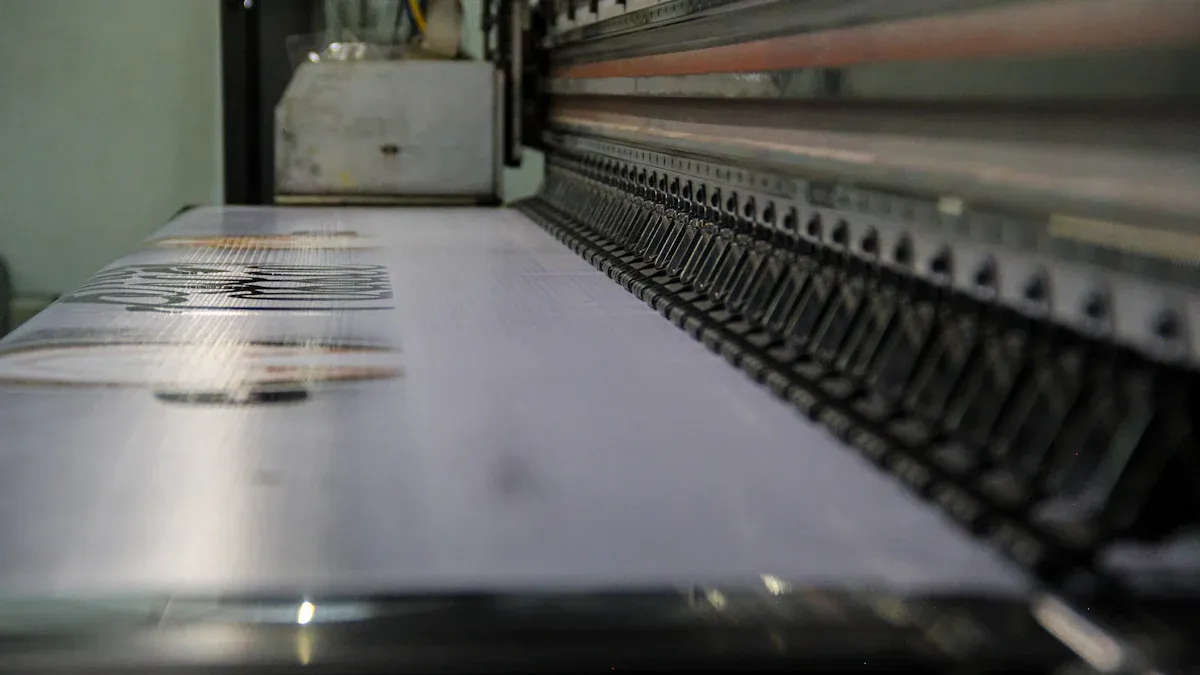
Digital printing is used in almost every industry now. You see it in marketing, packaging, clothing, signs, and custom products. Digital printing lets you make special designs and print things when you need them.
Commercial Printing
Businesses use digital printing for many things. They make brochures, flyers, and business cards. These help you share news and show your brand. You can print a few or many with the same setup. Print-on-demand lets you change designs fast. You can also make mail ads and store displays. These help you reach customers quickly.
Brochures with bright colors
Flyers for sales
Business cards made just for you
Mail ads for certain people
Store displays that catch your eye
Packaging and Labels
Digital printing has changed how we make packages and labels. You can print new package designs in hours, not weeks. This helps you test ideas and follow trends. You can make small batches and special boxes. You can print labels with barcodes, numbers, or names. Print-on-demand means less waste and fewer extras.
Boxes for online shopping
Special labels for products
Custom packages for events
Textile and Apparel
Digital printing is used on clothes and fabric. It gives soft prints that do not feel heavy. You can print big or detailed designs. You can make custom shirts, scarves, and bags. You save money because you do not need screens or plates. Print-on-demand lets you make clothes just for each person.
Benefit | Description |
|---|---|
Design Flexibility | You can print any color or pattern. |
Quick Turnaround | You get your items fast. |
High Print Quality | Your designs look clear and bright. |
Cost Savings | You use less fabric and save money. |
Signage
Digital printing makes signs more fun and interesting. You can print signs for stores, events, or outside. You can change sign content right away. Some signs use touchscreens. Print-on-demand lets you make signs for any place or event.
Signs for stores
Banners for events
Digital displays you can touch
Specialty Products
Digital printing is used for special products too. These include labels, barcodes, logos, and instructions. You can print on polyester, canvas, paperboard, or paper. You can make art prints, gifts, and product tags. Print-on-demand lets you offer special items for everyone.
Digital printing lets you be creative and flexible. You can make custom products for any business. Artists, makers, and companies all use print-on-demand and digital printing.
Digital Printing vs. Traditional Printing
When you pick a printing method, you may wonder how digital printing is different from offset and screen printing. Each way has its own good points. What you choose depends on what your project needs, how much money you have, and how fast you need it done.
Offset Comparison
Offset printing uses plates to put images on paper. Digital printing sends your design right from the computer to the printer. Digital printing is faster, especially for small jobs or special orders. Offset printing is better if you need lots of copies with the same design.
Aspect | Digital Printing | Offset Printing |
|---|---|---|
Printing Technology | Data-driven, no physical plates | Plate-based image transfer |
Print Volume | Ideal for short runs and personalized items | Best for large-volume runs |
Production Speed | High-speed with inline automated inspection | Fast but optimized for uniform print runs |
Color Accuracy | Software-controlled ICC profiling | Requires densitometers for ink density measurement |
Variable Data | Essential for unique items, uses advanced systems | Not typical unless paired with digital overprinting |
Workflow Integration | Cloud integration and real-time defect reporting | Centralized data logging |
Digital printing costs less for small jobs. Offset printing gets cheaper if you print thousands of copies. Digital printing is also faster and lets you change each print if you want. It is great for jobs that need special details.
Screen Printing Comparison
Screen printing pushes ink through a mesh onto the material. You pay extra to set up each color. Digital printing does not need these setup fees. It is good for small orders and quick jobs. Screen printing is best for big orders with simple designs.
Digital printing saves money for small and medium jobs.
Screen printing is cheaper for big orders after setup.
Digital printing is faster to start and finish.
Screen printing costs less per item if you print a lot.
Digital printing is good for custom shirts or signs. Screen printing works well for big orders with simple designs.
When to Choose Digital Printing
Pick digital printing if you need:
Small amounts or special designs
Quick jobs
Designs with many colors
Lower setup costs
Factor | Digital Printing | Traditional Printing |
|---|---|---|
Project Size and Quantity | Cost-effective for small runs (<100) | Better for large runs (>1000) |
Design Complexity | Excels at complex, multi-colored designs | Best for simple, bold designs |
Time | Faster turnaround for small batches | Slower for large production runs |
Digital printing gives you more choices, speed, and great quality. You can change your design easily and only print what you need. This makes digital printing a smart pick for many projects today.
Comprehensive Guide to Industry Trends
On-Demand Printing
On-demand printing is changing how people get printed products. You only print what you need, when you need it. Businesses use on-demand digital printing to stop extra waste and extra stock. The market for on-demand printing is growing very fast. Look at the numbers in the table below:
Year | Market Size (USD Billion) | CAGR (%) |
|---|---|---|
2024 | 10.21 | N/A |
2034 | 102.99 | 26 |
The market will be more than ten times bigger in ten years. This shows digital printing is important for fast and flexible orders. You get your products quickly and save money by not making too many.
Technology Advances
Digital printing keeps getting better every year. New machines and software help you get better prints and faster jobs. Here are some of the newest advances:
Technology Type | Description | Benefits |
|---|---|---|
High-Resolution Inkjet | Makes high-quality images, almost like offset printing. | Good for businesses that want great prints and lower costs for small jobs. |
Electrophotography | Uses lasers to move toner, making bright pictures and clear words. | Works well for big jobs and fast printing. |
3D Printing | Makes detailed shapes and models quickly. | Helps you design and test things faster. |
Automation and AI | Does prepress and checks quality by itself. | Cuts down on mistakes and makes printing faster. |
These new tools give you better quality, more choices, and faster service. Automation and AI also help you get the same good results every time.
Sustainability
You want to help the environment, and digital printing is a greener way to print. On-demand printing means you only print what you need, so there is less waste. Digital printing uses less energy and fewer chemicals than old printing ways. See the table below for a quick look:
Aspect | Digital Printing | Traditional Printing |
|---|---|---|
Waste Reduction | On-demand printing cuts extra waste | Needs big print runs, so more waste |
Energy Consumption | No plates or chemicals, so less energy | More energy from plates and chemicals |
Carbon Footprint | Smaller because of less waste and energy | Bigger because of more waste and energy |
You help the planet when you pick digital printing. Many companies now use eco-friendly inks and recycled paper to make printing even better for the earth.
Future Outlook
Digital printing will keep growing and changing in the future. The industry will work on better technology, greener choices, and helping online shopping. Here are some big trends for the future:
Trend | Description |
|---|---|
Sustainability | More people want eco-friendly printing, like inks that break down and materials you can recycle. |
Technological Advancements | New machines, faster inkjet, and 3D printing make printing better and more custom. |
E-commerce Growth | More online shopping means more digital printing for packages and ads. |
You will see more custom products, faster printing, and better quality as digital printing gets better. This guide helps you see where digital printing is going and how you can use these new trends.
You have learned how digital printing changes how things are made. This technology helps you print fast and save money. The prints look sharp and clear. You can use it for special ads or custom art. Many businesses use digital printing to print on demand and cut down on waste.
Digital printing lets you print just what you need. This saves you money and storage space.
You can give customers more personal products and change things fast.
Using new tools and software keeps you ahead of others.
Innovation Type | Description |
|---|---|
Automation | Makes printing quicker and cuts down on waste. |
Artificial Intelligence | Helps prints look better and allows more custom work. |
Cloud-based Solutions | Lets you handle print jobs from any place. |
Eco-friendly Practices | Uses less power and helps the environment. |
Keep learning about digital trends to help your printing business do well.